
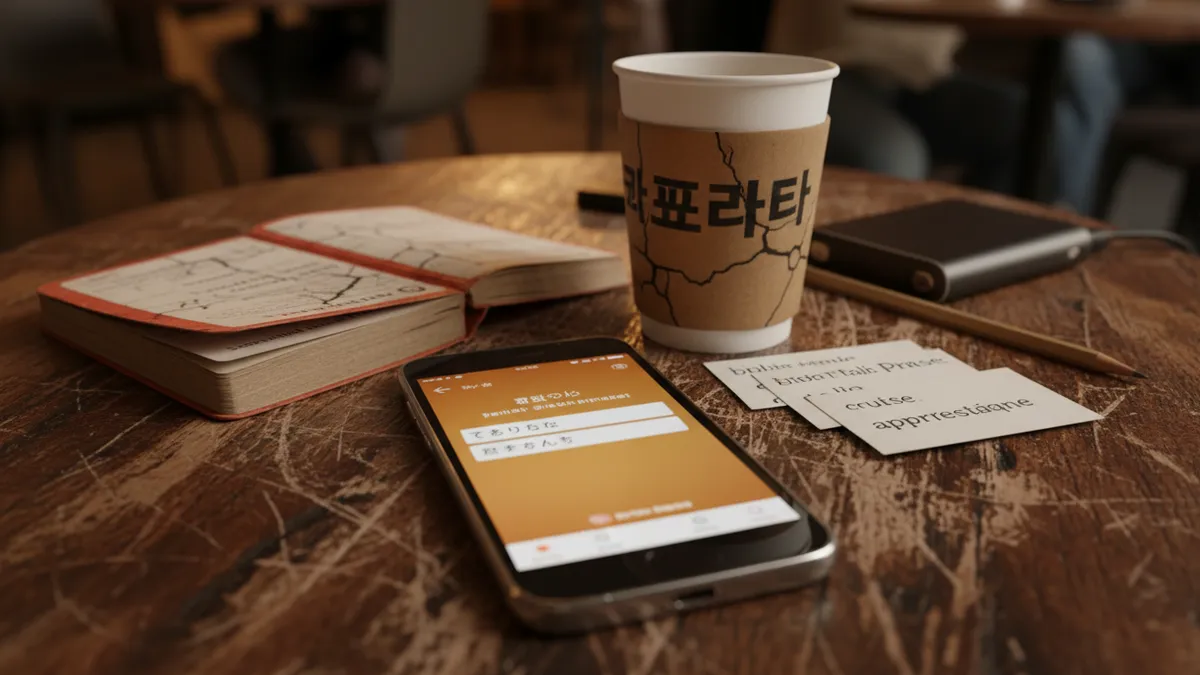
Google Translate Now Teaches Languages: How Its New AI Practice Mode Stacks Up Against Dedicated Language Learning Apps in 2026
Roughly 1.5 billion people opened Google Translate last month. Fewer than 3% of them noticed the new "Practice" tab sitting quietly at the bottom of their screen. That gap — between the largest translation user base on Earth and near-total ignorance of a feature that directly challenges Duolingo, Babbel, and every AI language tutor on the market — is the most interesting thing happening in language learning right now.
Not the feature itself. The silence around it.
A March 2026 APK teardown by Android Authority surfaced pronunciation-grading code powered by Gemini 2.0, confirmation of what beta testers in Brazil and Indonesia had been whispering about since late January. Google didn't hold a keynote. Didn't buy a Super Bowl ad. Just — slid it in.
So here's the question nobody's asking carefully enough: does a free practice mode bolted onto the world's most-used translation app actually teach you a language? Or does it teach you to feel like you're learning one?
What Google Translate's Practice Mode Actually Does
Let's walk through what's there.
You open Translate on Android or iOS — updated to version 8.9 or later — and tap "Practice." The app asks which of your recent translation pairs you want to drill. If you've been translating English to Korean all week, it offers Korean practice. Contextual. Smart, even.
From there, three modes:
Conversation Practice. Gemini-powered chat that simulates scenarios — ordering coffee, asking for directions, negotiating a hotel rate. The AI adapts difficulty based on your responses. Type or speak. It corrects you inline.
Pronunciation Scoring. You read a phrase aloud. The app scores your pronunciation on a 1-100 scale with phoneme-level feedback. "Your ㄹ sounds closer to an L than it should" — that kind of granularity. This is the feature from the APK teardown, and honestly. It's impressive.
Streak and Review System. Daily goals. Streaks. Vocabulary pulled from your actual translation history. Spaced repetition — or something shaped like it.
Google built, essentially, a language learning app inside a translation app. For free. No subscription tier. No premium upsell — at least not yet.

Where It's Genuinely Good — The Skeptic's Honest Take
I've tested every major AI language learning tool released since ChatGPT made the whole category explode in 2023. Most of them oversell. Google, oddly, undersells here, and the product is — better than it has any right to be.
Three things stand out.
Pronunciation Feedback That Doesn't Lie to You
Duolingo's speech recognition has always been generous. Suspiciously generous. You mumble something vaguely French-adjacent and get a green checkmark. It's encouraging in the way a participation trophy is encouraging.
Google's pronunciation scoring is harsher. More specific. It uses Gemini's audio understanding to isolate individual sounds and score them separately. For Mandarin tones — historically the weak spot for every speech tool — it's the best free option I've used. Not perfect. But not lying to you, either.
Your Translation History Becomes Your Curriculum
This is the subtle innovation people are overlooking. Most language apps teach you their vocabulary in their order. Google Translate practice mode pulls from phrases you've actually looked up. Searched for. Needed.
That trip to Osaka where you translated "Is this gluten-free?" fourteen times? Those phrases become your flashcards. The relevance is automatic. No configuration required.
Gemini Conversations Feel Less Scripted
Compared to Duolingo's roleplay scenarios — which still feel like choosing dialogue options in a 2005 RPG — Google's Gemini-powered conversations branch more naturally. You can go off-script. Ask follow-up questions. The AI doesn't panic when you say something unexpected.
It's a real conversation engine. Or close enough to one that the difference stops mattering for intermediate learners.
Where It Falls Short — And This Is Where It Gets Interesting
Here's the thing about bolting a practice feature onto a translation app. The foundation shapes the building. And Google Translate's foundation is — translation. Not pedagogy.
No Structured Learning Path
There is no curriculum. No progression from A1 to B2. No grammar explanations. No cultural context modules. You practice what you've translated, which sounds great until you realize that a tourist translating menu items for two weeks has a curriculum of — menu items.
Language acquisition isn't random vocabulary drilled in isolation. It's systematized exposure. Comprehensible input. Graduated complexity. Google's practice mode has none of this architecture. It's a gym with no training program.
Feedback Without Teaching
The pronunciation scorer tells you your Spanish "rr" is weak. It does not teach you how to trill. It tells you your sentence structure is unnatural. It does not explain why the verb should come second in German subordinate clauses.
Scoring is not teaching. This distinction matters more than most reviews acknowledge.
Dedicated language learning apps — and this is where platforms like LingoTalk differentiate sharply — build feedback into instruction. When LingoTalk's AI conversation partner catches a mistake, it doesn't just flag it. It pauses. Explains the rule. Gives you a variation to try. Then circles back ten minutes later to check if it stuck. That loop — error, explanation, practice, reinforcement — is pedagogy. Google gives you the first step and skips the rest.
Motivation Architecture Is Thin
Google added streaks. Fine. Streaks work — Duolingo proved that with 500 million users and a owl that guilt-trips you at midnight.
But Google's streak system feels — perfunctory. A counter. No leagues, no social features, no progress visualization beyond a number going up. For learners who need external motivation structures (most of us, if we're honest), this isn't enough scaffolding.

Google Translate vs Duolingo vs Dedicated AI Apps — The Real Comparison
Let's stop pretending these are all solving the same problem.
Google Translate practice mode is a supplement. A very good, very free supplement that turns passive translation behavior into active recall. If you're already using Translate daily — and statistically, you probably are — the practice tab adds value with zero friction.
Duolingo is gamified structured learning. It's excellent at onboarding absolute beginners and keeping them engaged through the first 60 days. Its weakness has always been the ceiling — intermediate learners plateau hard, and the app doesn't push you past it.
Dedicated AI language apps — LingoTalk, Speak, Elsa — occupy a different lane entirely. They're built around conversation fluency, adaptive difficulty, and the kind of deep personalization that a bolted-on feature can't replicate. LingoTalk in particular leans into real-world scenario practice with AI that adjusts not just to your level but to your goals. Preparing for a job interview in German is a fundamentally different practice session than preparing for a vacation in Bavaria. Purpose-built apps understand that distinction. Google Translate doesn't — not yet.
The honest answer? Use more than one.
Can Free Big-Tech Tools Replace Purpose-Built Language Apps?
This is the question underneath the question, and I've been watching it play out since Google, Apple, and Meta all started shipping language features into their core products.
The pattern is always the same. Big tech builds something 70% as good as the specialist tool. Distributes it to a billion users for free. The specialist tool either — dies, differentiates, or finds the 30% that actually matters.
In language learning, that 30% is pedagogy. Structured progression. Adaptive teaching, not just adaptive difficulty. Cultural nuance. Long-term retention architecture. The stuff that turns "I can order coffee" into "I can hold my own in a meeting."
Google Translate's practice mode won't get you to fluency. But I'd be lying if I said it isn't useful. For the traveler who wants to practice phrases they'll actually need — it's now the fastest path from curiosity to spoken practice. No signup. No paywall. Just — tap and talk.
For serious learners, though. The ones reading this blog. The ones who want to get past "survival phrases" and into actual competence — the tool has to be smarter than a feature. It has to be a system.
The Takeaway for Language Learners in 2026
Google just made the floor higher. Free AI language practice is now genuinely useful, not just a novelty. That's good for everyone.
But floors aren't ceilings.
If you're casually curious about a language, Google Translate's practice mode might be all you need. If you're building real fluency — for work, for life, for the version of yourself that doesn't freeze when someone speaks too fast — you need structured practice with feedback that teaches, not just scores.
That's the difference between a translation app that added learning. And a learning app built from the ground up.
Turn on Google's practice tab. Use it. It's free and it's good. Then notice the moment — and it will come — where you need something it can't give you. That's when the real work starts.
Ready to speak a new language with confidence?